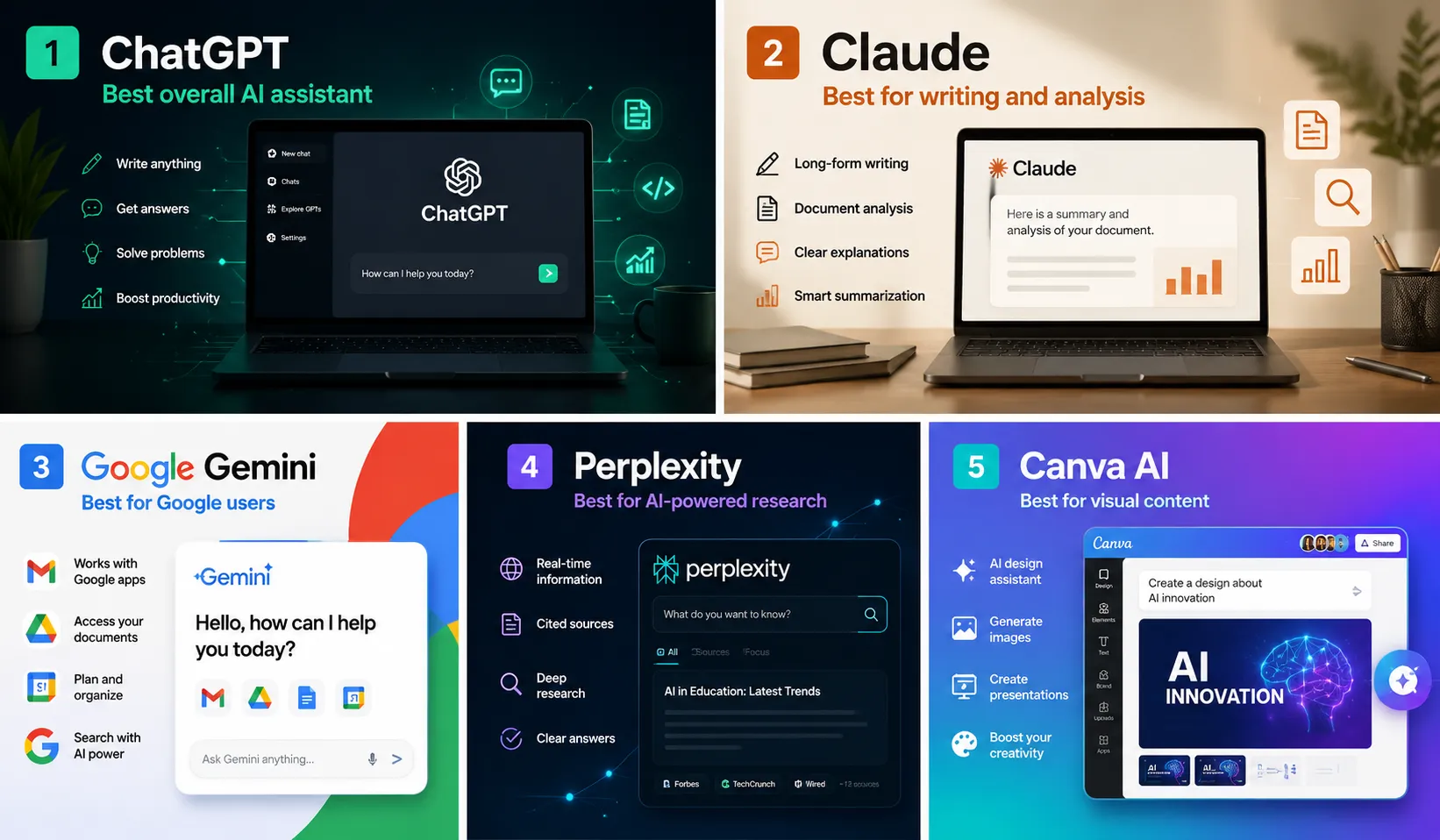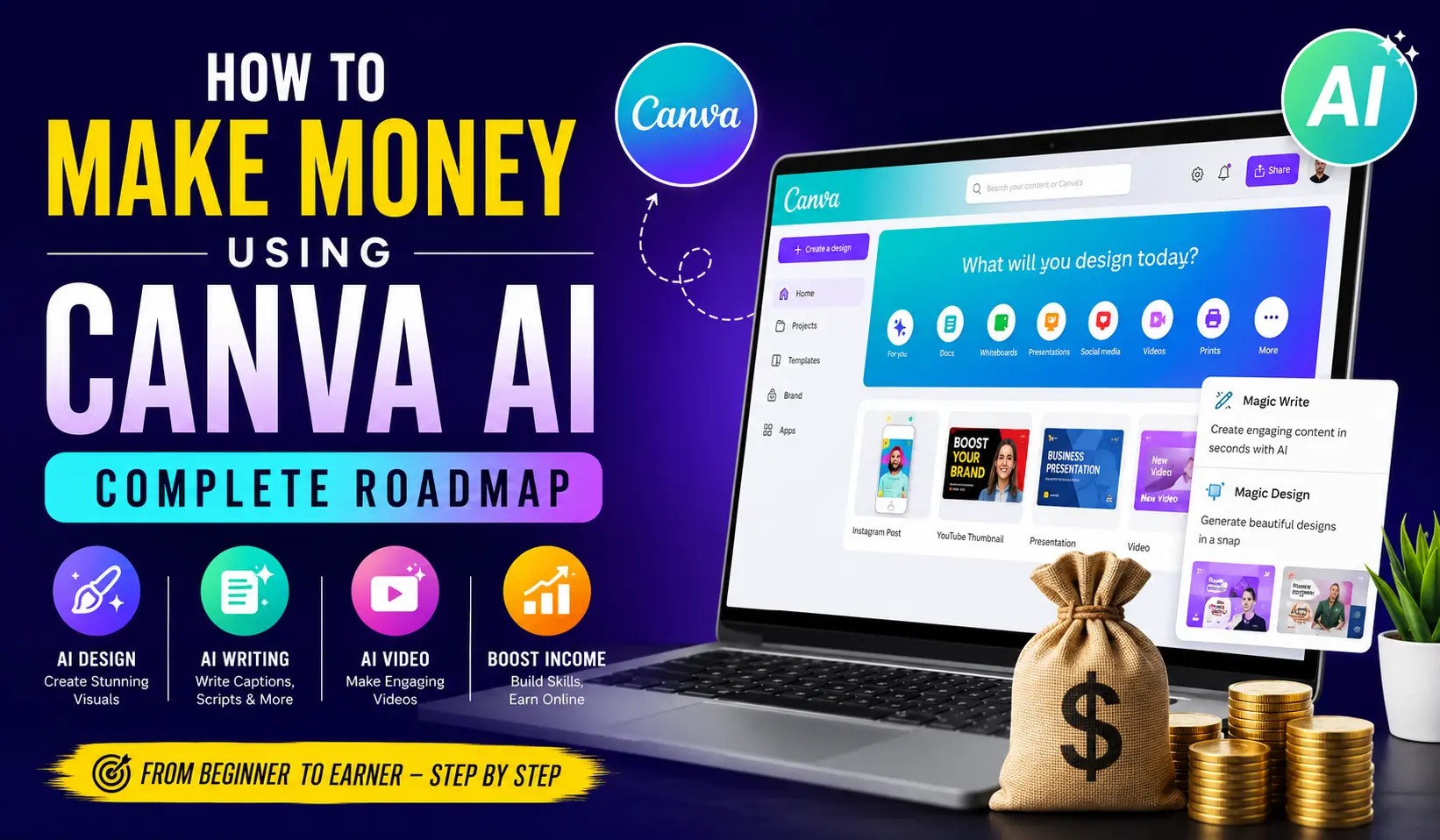

Canva has become much more than a simple graphic design platform. With its growing collection of AI-powered tools, creators, freelancers, students, marketers and small businesses can now create social media posts, videos, presentations, ebooks, advertisements and other digital content much faster.
But the biggest question is: Can you actually make money using Canva AI?
Yes. However, simply creating attractive designs will not automatically generate income. The real opportunity is to use Canva AI to provide useful services, create digital products and solve marketing problems for businesses and content creators.
This complete roadmap explains how beginners can start with Canva AI and gradually build an online income stream.
What Is Canva AI?
Canva AI refers to the artificial intelligence-powered features available within Canva that help users generate and edit visual content.
Depending on the features available in your Canva account and region, AI-powered tools can assist with:
- Generating design ideas
- Creating images
- Writing marketing copy
- Creating presentations
- Editing images
- Removing backgrounds
- Creating social media content
- Generating video concepts
- Resizing designs
- Creating layouts and templates
The major advantage is speed. Instead of starting every design from a blank page, AI can help you create a first version that you can then customize.
10 Ways to Make Money Using Canva AI
1. Start a Canva Freelancing Business
One of the easiest ways to start earning is by offering Canva design services.
You can create:
- Instagram posts
- Facebook posts
- YouTube thumbnails
- Business flyers
- Posters
- Brochures
- Presentations
- Menus
- Advertisements
- Social media banners
You can find customers through freelance platforms, social media, LinkedIn and direct outreach.
Instead of offering a generic service such as “I will design anything in Canva,” create a specific offer.
For example:
“I will create 30 Instagram posts for your restaurant.”
A specific service is easier for potential customers to understand.
2. Manage Social Media for Small Businesses
Small businesses often need regular content but don’t have an in-house designer.
This creates an opportunity for Canva AI freelancers.
You can offer monthly packages containing:
- Instagram posts
- Facebook posts
- Stories
- Reel covers
- Promotional graphics
- Festival creatives
- Captions
- Content calendars
For example, you could create a package priced at ₹5,000 per month.
If you eventually manage 10 similar clients:
10 × ₹5,000 = ₹50,000 per month
Your actual income will depend on your pricing, client acquisition and the amount of work included in each package.
3. Create YouTube Thumbnails
YouTube creators constantly need new thumbnails.
Canva makes it relatively easy to create professional thumbnail designs, while AI can help with ideas, images and copy.
You can target:
- Finance channels
- News channels
- Education channels
- Gaming channels
- Motivation channels
- Podcast channels
- Technology channels
- Travel channels
Instead of charging for one thumbnail, create packages.
For example:
10 thumbnails – ₹2,500
As your skills and portfolio improve, you can increase your pricing.
4. Create Canva Templates
Another business model is selling editable templates.
You can create templates for:
- Instagram posts
- Instagram carousels
- Presentations
- Resumes
- Business flyers
- Menus
- Invitations
- Real estate marketing
- Restaurant promotions
- Social media content
The advantage of digital templates is that you can potentially sell the same product repeatedly.
However, always check Canva’s current licensing and content rules before selling templates, particularly when using Canva library assets.
5. Create Digital Products
Canva is also useful for creating digital products.
Examples include:
Ebooks
You can create ebooks about:
- Business
- Marketing
- Social media
- Education
- Productivity
- Personal finance
- Travel
- Recipes
Planners
Create:
- Daily planners
- Weekly planners
- Budget planners
- Content planners
- Study planners
Business resources
Create:
- Social media calendars
- Marketing checklists
- Content idea collections
- Business worksheets
- Brand guides
For example, a digital product priced at ₹499 that sells 100 copies generates ₹49,900 in gross sales before platform fees, taxes and other expenses.
6. Create Social Media Reels
Short-form video content is another opportunity.
Businesses need videos for:
- Instagram Reels
- Facebook Reels
- YouTube Shorts
- Product promotions
- Educational content
- Brand awareness
A simple workflow can be:
ChatGPT → Script
↓
Canva AI → Visual concepts
↓
Canva → Video editing
↓
Voiceover + captions
↓
Final Reel
You can sell monthly reel packages to businesses and creators.
7. Create Presentations
Businesses, teachers, students and professionals regularly need presentations.
Canva AI can help generate presentation structures and visual designs.
You can offer presentation services for:
- Business proposals
- Company presentations
- Marketing presentations
- Educational presentations
- Sales presentations
- Pitch decks
- Training materials
Instead of charging only for design time, price your service according to the value and complexity of the presentation.
8. Offer Canva Services to Local Businesses
You don’t need to find all your customers online.
Local businesses can become excellent clients.
Look for:
- Restaurants
- Cafes
- Hotels
- Salons
- Gyms
- Real estate agents
- Clothing stores
- Jewellery stores
- Coaching classes
- Travel agencies
- Automobile dealers
- Small companies
For example, approach a local restaurant and offer to create a few sample promotional designs.
If the business likes your work, you can propose a monthly social media package.
This can be especially effective because many small businesses need regular content but don’t want to hire a full-time designer.
9. Build a Canva Content Agency
Once you have several clients, you can turn freelancing into an agency.
Instead of doing everything yourself, you can eventually outsource parts of the production process to designers and editors.
Your role can gradually shift toward:
- Finding clients
- Creating content strategies
- Managing accounts
- Reviewing designs
- Maintaining quality
- Building systems
- Growing the business
For example:
10 clients × ₹10,000 monthly package
= ₹1,00,000 monthly revenue
However, revenue is not the same as profit. You must account for freelancer costs, software, taxes, advertising and other business expenses.
10. Build Your Own Audience
One of the most powerful long-term strategies is building an audience around Canva, AI and online business.
You can create content on:
- YouTube
- Your own website
Create tutorials such as:
“5 Canva AI tricks beginners should know”
“How to create professional Instagram posts with Canva AI”
“How I create YouTube thumbnails using Canva”
“Canva AI tools every freelancer should learn”
As your audience grows, you can potentially monetize through advertising, sponsorships, affiliate marketing, services, digital products and educational products.
Canva AI + ChatGPT: A Powerful Combination
Canva AI becomes even more useful when combined with AI writing tools.
For example, ChatGPT can help generate:
- Headlines
- Captions
- Content ideas
- Ad copy
- Video scripts
- Calls to action
- Blog outlines
- Content calendars
Canva can then be used to turn those ideas into visual content.
A simple workflow is:
Idea
↓
↓
Script / headline / caption
↓
Canva AI
↓
Design / image / video
↓
Final content
This workflow can significantly reduce the time required to produce content.
How to Start With ₹0
You don’t necessarily need a large investment to start.
Step 1: Learn Canva
Spend the first week learning the platform and practicing different types of designs.
Step 2: Choose a niche
Don’t try to serve everyone.
Choose one niche such as:
Restaurants
or
Real estate
or
YouTube creators
or
Coaching businesses
Step 3: Create a portfolio
Create 20–30 sample designs.
You can create fictional brands if you don’t have clients yet.
Step 4: Start outreach
Contact potential customers through:
- Local networking
Step 5: Offer a simple package
For example:
12 posts + 4 reels + 8 stories = ₹7,500/month
Adjust pricing according to your market and workload.
Step 6: Get testimonials
After completing work for your first customers, ask for permission to use their feedback and work in your portfolio.
Step 7: Increase your pricing
As your skills, portfolio and results improve, gradually move toward higher-value packages.
30-Day Canva AI Action Plan
Week 1: Learn
Practice:
- Social media posts
- Thumbnails
- Posters
- Presentations
- Videos
- Digital products
Create at least 2–3 designs every day.
Week 2: Build Portfolio
Choose one niche and create 20–30 samples.
For example, if you choose restaurants, create:
- Food promotion
- Weekend offer
- Festival offer
- Menu
- Instagram carousel
- Reel
- Story
- Facebook advertisement
- Customer offer
- New-product announcement
Week 3: Find Customers
Contact around 10–20 potential businesses every day.
Don’t send the same generic message to everyone.
Show that you understand their business and provide a relevant sample.
Week 4: Get Your First Clients
Focus on converting your conversations into paid projects.
Your first goal doesn’t need to be ₹1 lakh.
Your first milestone can be:
₹5,000
Then:
₹10,000
Then:
₹25,000
Then:
₹50,000
Once your system works, focus on scaling it.
How to Reach ₹1 Lakh Per Month
There isn’t a guaranteed formula, but you can build toward the target using several combinations.
Model 1: Social Media Clients
10 clients × ₹10,000
= ₹1,00,000 monthly revenue
Model 2: Thumbnail Services
20 clients × ₹5,000
= ₹1,00,000
Model 3: Digital Products
500 sales × ₹299
= ₹1,49,500 gross sales
Model 4: Mixed Business
5 clients × ₹10,000 = ₹50,000
Digital products = ₹20,000
YouTube/affiliate income = ₹10,000
Other services = ₹20,000
Total = ₹1,00,000
These are examples rather than guaranteed earnings.
The Biggest Mistake Beginners Make
The biggest mistake is thinking:
“I know Canva, so people will pay me.”
Knowing Canva isn’t enough.
Customers pay for outcomes.
Instead of saying:
“I can make Canva designs.”
Say:
“I can help your restaurant maintain professional social media content every month.”
Instead of:
“I make thumbnails.”
Say:
“I create attention-grabbing YouTube thumbnails designed to improve your video’s click appeal.”
The second approach focuses on the customer’s problem.
Canva AI Money-Making Funnel
A strong long-term business can look like this:
Learn Canva AI
↓
Create Portfolio
↓
Get Freelance Clients
↓
Build Monthly Retainers
↓
Specialize in One Niche
↓
Create Templates
↓
Sell Digital Products
↓
Build YouTube/Instagram Audience
↓
Launch Educational Products
↓
Build an Agency
This approach allows you to move from selling your time to building assets that can generate income repeatedly.
Final Thoughts
Canva AI is not a magic money-making machine. The software itself won’t make you rich.
The opportunity comes from combining Canva AI + design skills + marketing + sales + consistency.
If you’re a beginner, start with services because they can help you generate your first customers and understand what businesses actually need.
Once you have experience, turn your knowledge into templates, digital products and educational content.
The long-term goal should be simple:
Don’t just become a Canva designer. Become someone who uses Canva AI to help businesses make money, save time and create better content.
That is where the bigger opportunity lies.